
Archive Formulations
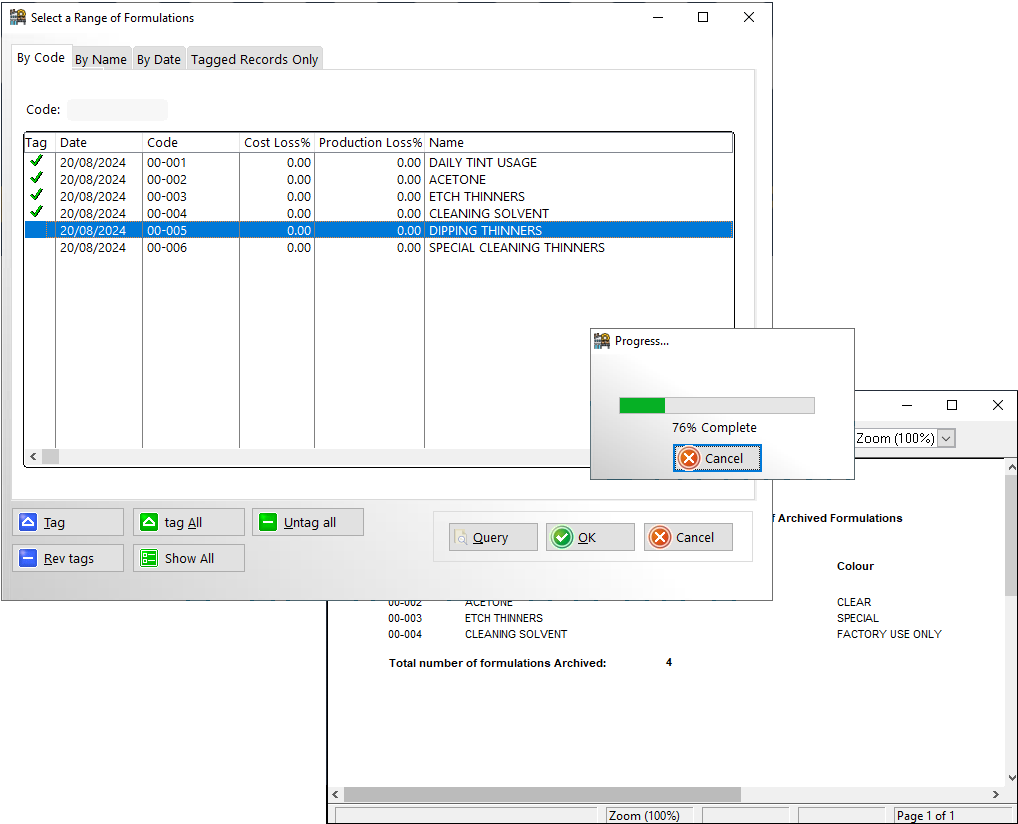
Whenever you delete a formulation you will be prompted as to whether you wish to store this formulation in the archive database before deleting. You can archive groups of standard formulations without deleting them from the standard formulation data base by selecting the menu option: Paint Laboratory > Formulation Exchange > Archive Formulations
You can then tag a range of formulations that will be transferred to the archive database. You will also be supplied with a report containing the formulations you have exported, this can be printed out or discarded.
To restore archived formulations, use menu option: Paint Laboratory > Formulation Exchange > Browse Archived Formulations for Restore.
You will be warned if the formulation already exists in the standard database.