Record Production Quality Control Results
There are two places where the QC results for a batch can be recorded
-
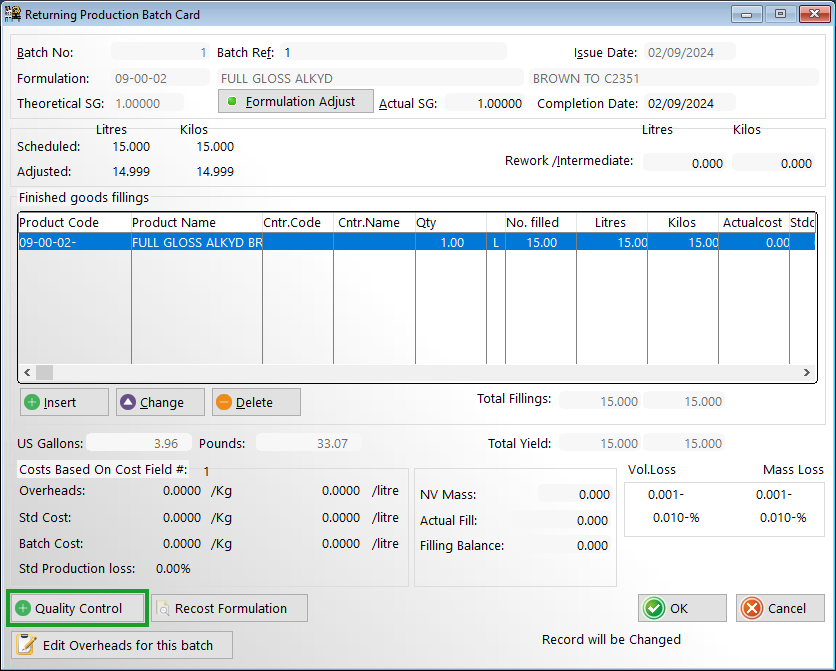
1. When returning a batch from menu option ‘Production > Work in Progress Returns’
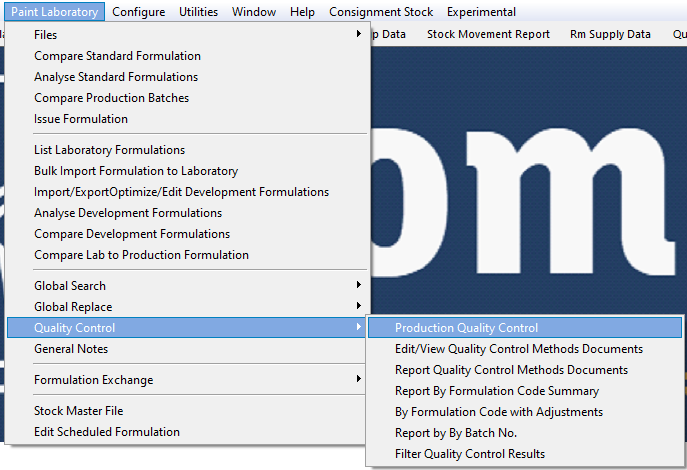
2 MENU OPTION: Paint Laboratory > Quality Control > Production Quality Control
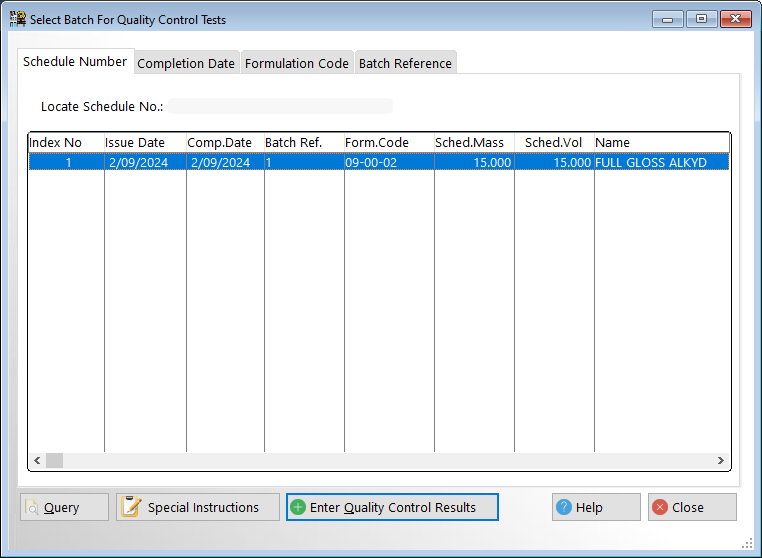
Select a work-in-progress batch
Click on 'Enter Quality Control Results' to record the actual test results against the standards.
Regardless of which menu option has been selected the same procedure will be invoked
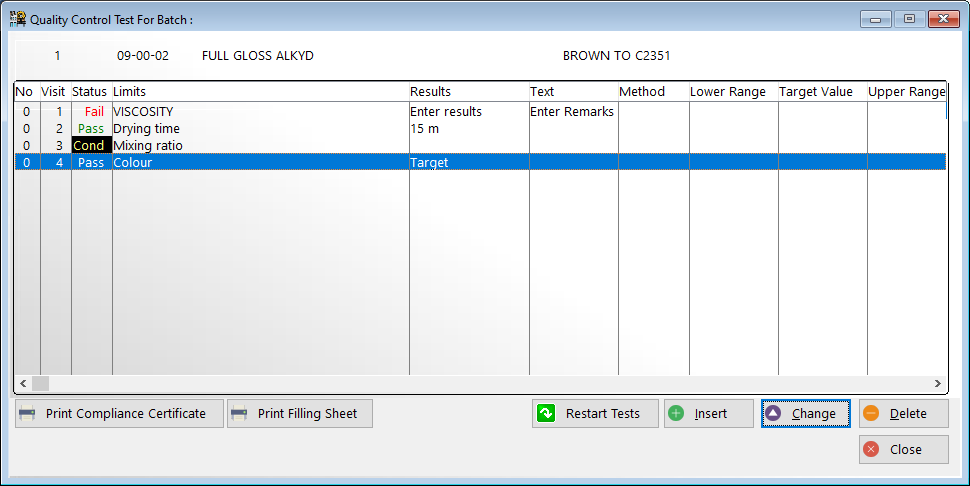
Enter the quality control results against the corresponding method
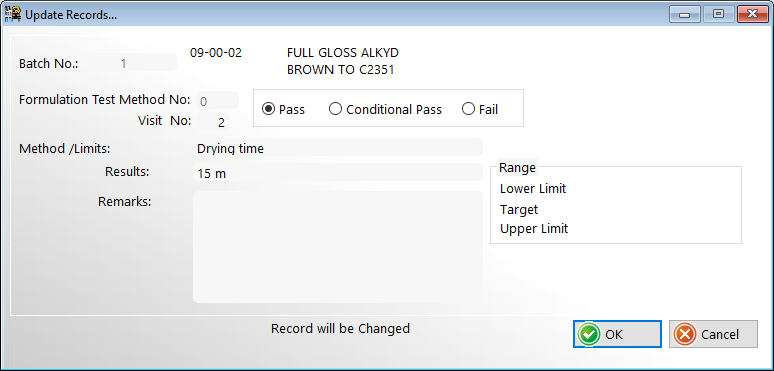
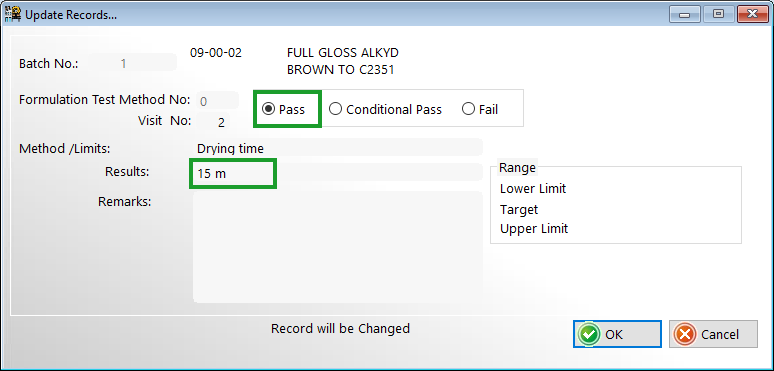
When entering the result for a particular method either click pass conditional pass or fail for that particular result
If more than one test has been performed for the same method click the <insert> button to add the new results
The visit number will automatically be incremented
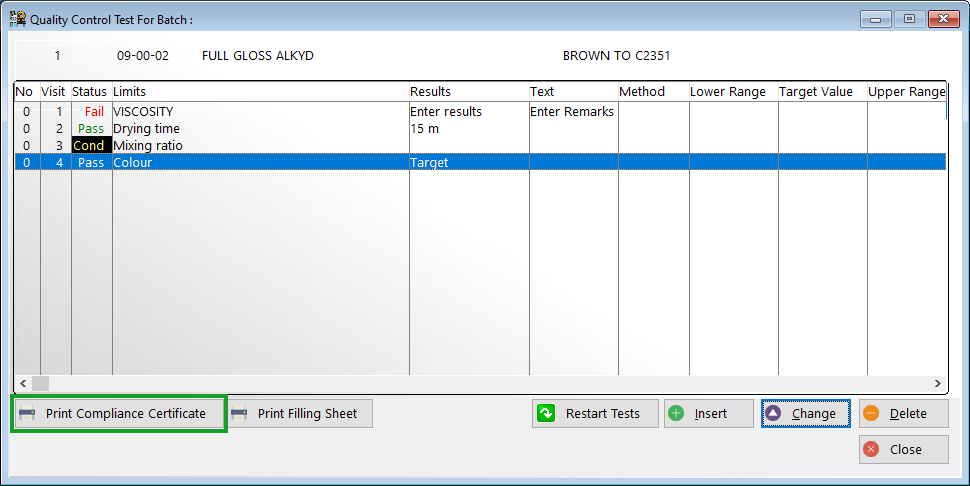
When there has been a pass or conditional pass for every test then the compliance certificates for that batch may be printed
The compliance certificate is custom designed for your particular company and should contain your company logo and name of the chief chemist
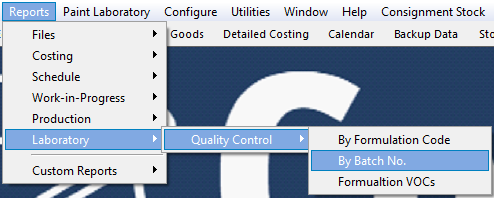
The quality control results results can be reported from the menu option 'Reports > Laboratory > Quality Control'